Go/Fake Figma Plugin
Designers spend more time hunting for content than designing.
Go/fake Figma Plugin was built to fix that.
Production Designer & Tool Developer
Overview
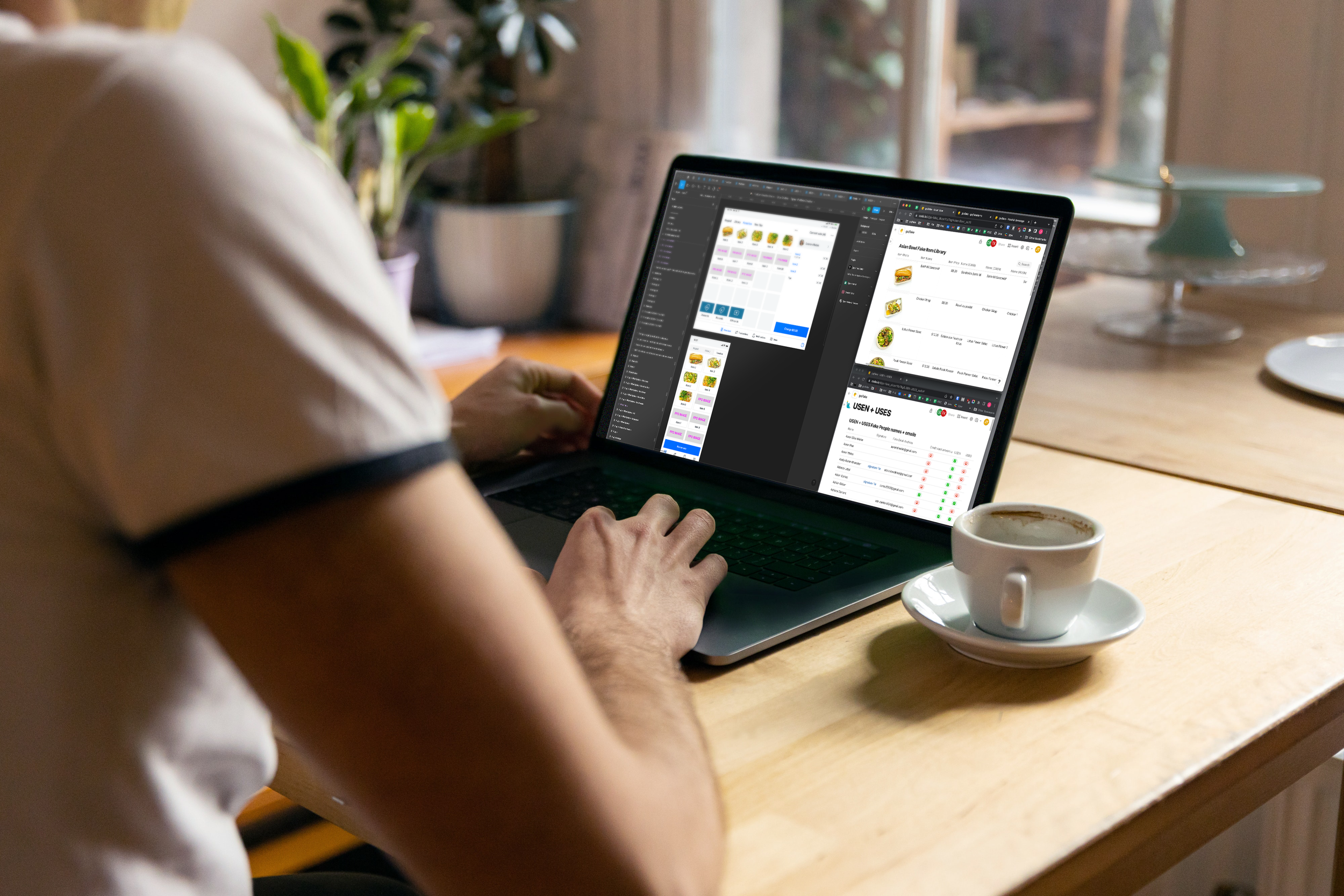
Go/Fake Figma Plugin is an internal Figma plugin built to streamline screen UI production at Square. It connects directly to Coda and Notion databases, letting designers pull structured content — copy, pricing, cart calculations, and imagery — straight into Figma compositions, eliminating the manual bottlenecks that slowed every campaign.
The Challenge
Screen UI production for marketing required building compositions across a large library of Figma screen components — each one manually populated with copy, imagery, and metadata sourced from external databases.
At scale, the process broke down quickly:
11 languages across 8 locales per campaign
Content copied field by field with multiple databases from Coda and Notion into Figma
Images sourced manually from separate Figma libraries
Translator QA was required for each localized version, adding rounds to every campaign
The Opportunity
The rise of AI-assisted development tools like Cursor and Claude AI created a new possibility — production designers could now build and own their own tooling without relying on an engineering backlog.
I saw an opening to solve a problem my peers and I encountered every day, and built the prototype and solution to aid this time consuming work-stream.
Project Highlights
Square's product ecosystem spans a wide range of verticals — Point of Sale, Restaurants, Retail, and Appointments — each with its own extensive Figma component library.
Go/Fake Figma Plugin made populating these screens for production significantly faster, more accurate, and consistent across every product line.